
Introduction
In Google Search Console, there are dozens (or hundreds) of pages that are indexed, but they get almost no impressions or clicks. It’s frustrating – you did the work, you uploaded the pages, but search traffic isn’t coming. This article explains why indexed pages don’t rank, a common problem most businesses face, and what you can do right now to restore visibility.
What “Indexed but Not Ranking” Actually Means?
Indexing means that Google is aware of a page and stores it in its database. Ranking means Google considers the page a relevant answer to someone’s search and displays it in the results. If a page fails to meet Google’s trust signals or users’ needs, it may not appear in search results for meaningful queries.
Most of the clients are frustrated, stating – “My content is there, why won’t it show up?” Usually, the answer lies in either quality, signaling, technical setup, or intent mismatch – or may be a combination of all these factors.
Pages that get indexed without ranking often fail because they lack clear trust and expertise in SEO, sending mixed quality signals to search engines.
Common Causes
1. Content Quality Is Thin or Duplicated:
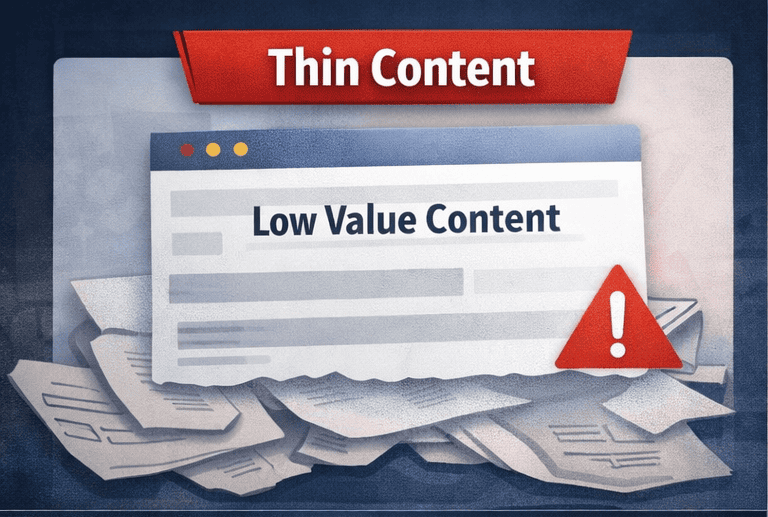
What does it mean?
Google’s job is to show the best possible answer to a user’s question. The search engine won’t rank your page if it adds nothing new, useful, or specific – even if it has been indexed.
“Thin content” doesn’t just mean short content. It means low value.
Why does this hurt rankings?
Whenever Google crawls several pages that look almost the same, it sees them as follows:
- Replaceable.
- Not helpful.
- Low effort.
Google indexes them, but does not trust them enough to rank.
Example
An e-commerce site has 200 category pages, like:
“Buy the best shoes online. We offer high-quality shoes at affordable prices.”
Same wording. Same structure. Just the category name changes.
Google thinks:
“Why should I rank this when competitors explain sizes, materials, use cases, FAQs, and buyer guidance?”
What actually works?
Instead of filler text, include:
- Specific product benefits (who this product is for)
- Use cases (office, travel, sports, etc.)
- Common buyer questions (shipping, warranty, sizing)
- Real comparisons or tips
If your content can be copy-pasted to 50 other pages, Google will not rank it.
2. Search Intent Mismatch
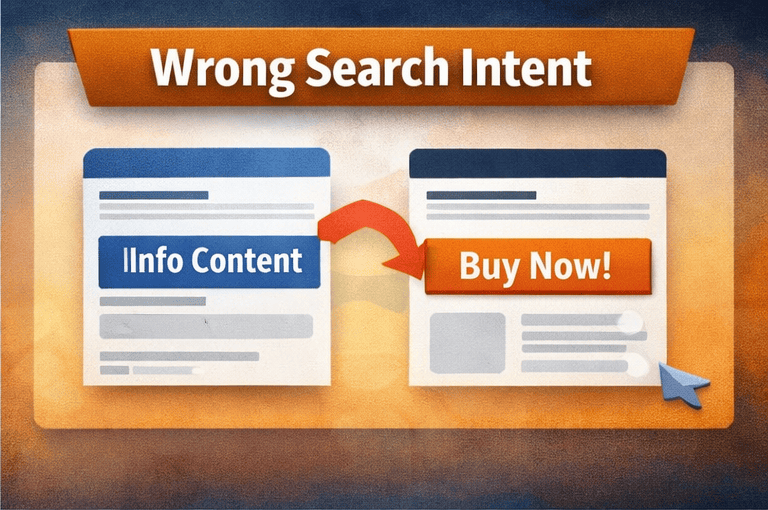
What does Search Intent mean?
Search intent is what the user wants to do:
- Learn something.
- Compare options.
- Buy now.
- Find a service.
Google determines what kind of page fulfills that intent by analyzing user behavior.
How does intent mismatch affect visibility?
No matter how well-optimized your page is, Google will not display it if it does not meet the needs of the majority of users.
Example:
You publish a 2,500-word Educational blog page explaining what CRM is with Keywords “CRM software pricing”. But users want pricing tables, feature comparisons, demos, or sign-up buttons. Google notices that users are clicking on product pages rather than blogs, so it ranks product pages instead.
How to fix it?
How to fix it: Before writing, ask yourself, “Is the searcher trying to learn, compare, or buy?” Then, consider the following:
Learning intent: Provide guides, examples, step-by-step explanations;
Buying intent: Provide pricing, CTAs, trust badges, and testimonials.
Google doesn’t rank the “best content” – it ranks the best content for that intent.
3. Poor E-E-A-T
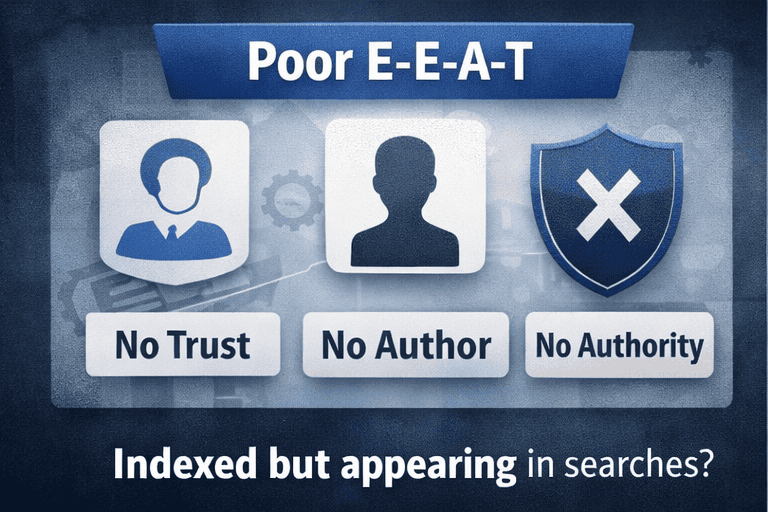
What Google is protecting users from?
EEAT stands for Experience, Expertise, Authority, Trust. It is a ranking factor in which Google evaluates content quality.
Google wants to avoid ranking who offer:
- False advice.
- Anonymous opinions.
- Unverified information.
Especially when it comes to matters that impact money, health, or decision-making.
Why do new or anonymous pages struggle?
Google plays it safe and pushes the page down if it cannot confirm:
- Who wrote the content?
- Why are they qualified?
- Do others trust them?
Example:
A finance article gives investment advice but includes:
- No author’s name.
- No credentials.
- No citations.
- No company information.
But google says I can’t risk ranking this article.
How to strengthen E-E-A-T?
- Add author bio with real experience.
- Show company details.
- Refer to trusted sources.
- Include case studies, reviews, or examples.
- Use HTTPS, privacy policy, contact info.
Google trusts people and brands, not just pages.
More details related to E-E-A-T available here.
4. Weak Internal Linking & Site Architecture
What Google sees?
Google discovers importance through links. If your page has few or no internal links, Google assumes: “This page is not important.”
One major reason pages fail to perform is multiple pages targeting the same keyword, which splits relevance and confuses ranking signals.
Why do deep pages don’t rank?
Pages that are located 4-6 clicks deep:
- Are crawled less frequently.
- Receive less authority.
- Are regarded as low priority.
Example:
You may have published an excellent blog post, however:
- It lacks links from category pages.
- It is not referenced in related blogs.
- It is absent from navigation.
Result shows they are Indexed, but are invisible.
How to fix it properly?
- Link from top-performing pages.
- Use descriptive anchor text.
- Create topic clusters (main page → supporting pages).
- Ensure important pages are within 2-3 clicks.
5. Technical Issues (Canonical, Robots, Noindex)
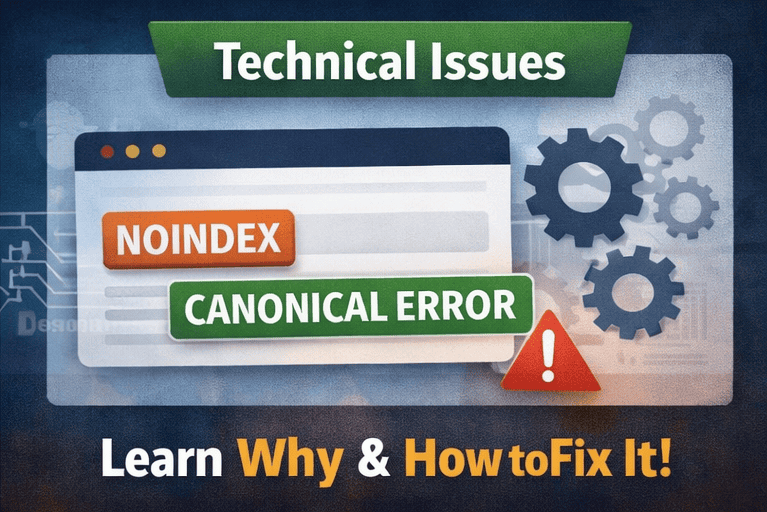
Unseen threats to SEO.
Many sites unintentionally tell Google don’t rank this page, it is a duplicate page or ignore this page even while the pages are indexed.
Example:
To avoid duplicate content, a site canonicalizes all product pages to the homepage. Google follows instructions and says:
“Okay, homepage is the real page. Others don’t matter.”
Common technical mistakes
- Wrong canonical tags.
- Pages blocked in robots.txt
- Noindex tags left by mistake.
- Broken or missing sitemap entries.
How to fix it?
- Audit canonical tags carefully.
- Ensure important pages are indexable.
- Keep sitemap clean.
- Remove accidental noindex rules.
One wrong technical signal can override all good content.
6. On-Page Metadata & Schema Problems
Why does metadata still matter?
Title tags and meta descriptions tell Google what the page is about and influence the click-through rate. If users don’t click your result, Google assumes it’s not useful.
Example
50 blog posts all have Title: Blog | Company Name.
Google can’t differentiate them and users don’t click.
Schema’s role
Schema helps Google understand context:
- FAQs.
- Products.
- Articles.
- Reviews.
Without it, your page looks less rich and less helpful.
What works?
- Unique titles per page.
- Clear benefit-driven meta descriptions.
- Add FAQ or Product schema where relevant.
If Google doesn’t understand your page clearly, it won’t rank it confidently.
7. No Backlinks or Weak Off-Page Signals
Why do links still matter?
Backlinks act like votes of confidence. No links = no trust signals.
Example
You publish a high-quality guide, but:
- No one references it.
- No external links.
- No mentions.
Meanwhile competitors have citations from blogs and directories. Google trusts them more.
How to improve naturally?
- Outreach to relevant blogs.
- Partner mentions.
- PR features.
- Link internally from strong pages.
Great content without visibility rarely ranks.
8. Slow Page Speed & Poor User Experience
Slow, mobile-unfriendly pages rank lower and are less likely to appear for competitive queries.
How do users influence rankings?
Google measures:
- Time on page.
- Bounce rate.
- Mobile usability.
If users leave quickly, Google adjusts rankings.
Example
A mobile page takes 6 seconds to load. Users leave before content appears. Google de-prioritizes it.
How to fix?
- Compress images.
- Reduce scripts.
- Improve mobile layout.
- Use caching and CDN.
Google follows user behavior, not just SEO rules. More details can be referred to Core Web Vital Impact
How to Diagnose – step-by-step checklist
- Confirm indexing vs impressions: Use Google Search Console (Performance > Pages). If indexed but 0 impressions, it’s a visibility problem.
- Check search intent: Search the target keyword and note what Google shows (buyers vs readers).
- Content audit: Is the content unique, deep, and experience-led? Add real examples, screenshots, or original data.
- Technical crawl: Run a crawl (Screaming Frog or similar). Look for canonical/noindex issues, sitemap omissions, and redirect chains.
- Internal links: Ensure the page is linked from relevant high-traffic pages.
- Backlink check: Does the page or its section have referring domains? If not, plan outreach.
- Speed & mobile: Test with PageSpeed Insights and fix major issues.
- Schema & meta: Add structured data and unique title/meta. Use FAQ schema where useful.
Get more clarification by clicking on this link: Developers Google Page
FAQ’S
❓ Why are my pages indexed but not ranking on Google?
Pages can be indexed but not rank when Google finds them low-value, poorly aligned with search intent, or lacking strong trust and relevance signals. Indexing only means Google knows the page exists, not that it deserves visibility.
❓ What does “indexed pages that never rank” actually mean?
It means Google has crawled and stored your page, but it does not show the page in search results for relevant queries due to weak SEO signals or poor user value.
❓ Can thin content cause indexed pages to never rank?
Yes. Thin or duplicated content provides little value to users. Google prefers pages that offer detailed, unique, and helpful information, so thin pages often remain indexed but invisible.
❓ How does wrong search intent affect page rankings?
If your content does not match what users are actually looking for, Google will rank pages that do. For example, educational content will not rank for keywords where users want to buy or compare products.
❓ Does poor E-E-A-T affect why pages don’t rank?
Yes. Pages without clear experience, expertise, authority, or trust signals are harder for Google to trust, especially in competitive or sensitive topics.
❓ Can technical SEO issues stop indexed pages from ranking?
Absolutely. Incorrect canonical tags, accidental noindex directives, blocked resources, or poor internal linking can all prevent indexed pages from ranking properly.
❓ Do indexed pages need backlinks to rank?
While not every page needs backlinks, pages with no external or internal links often struggle to rank because Google uses links as trust and importance signals.
❓ How long does it take for indexed pages to start ranking?
There is no fixed timeline. Ranking depends on content quality, intent match, site authority, technical health, and competition. Some pages rank quickly; others need optimization before gaining visibility.
❓ How can I fix indexed pages that never rank?
You can fix them by improving content depth, matching search intent, strengthening internal links, fixing technical issues, adding trust signals, and enhancing user experience.
❓ Should I delete pages that are indexed but never rank?
Not always. Many pages can be improved instead of deleted. If a page has potential, updating and strengthening it is usually better than removing it.
Conclusion
If your pages are indexed but get no impressions, don’t panic. Treat this as a diagnosis problem: find whether the issue is intent, quality, signals, or tech, then apply the targeted fix above. Start with intent and content – they’re the most common root causes. Improve one page at a time: small wins compound.