
Introduction
You’ve been publishing content consistently. Your website is growing. You have ten, maybe twenty or more than that articles about your main topic. In fact, some of your best pages are actually dropping in search results.
You check Google Search Console and notice something odd. Different URLs from your site keep swapping positions for the same keyword. One week, your homepage ranks. The next week, a blog post takes over. Then another page shows up.
This isn’t because of google or it’s algorithm. You are likely facing keyword cannibalization, a silent SEO issue that destroys rankings without showing any obvious errors.
This article is written for you if:
- Your pages are indexed but not ranking
- Rankings fluctuate without explanation
- Multiple pages target similar keywords
- Google seems unsure which page to show
What Is Keyword Cannibalization?
Keyword cannibalization happens when multiple pages on the same website target or compete for the same keyword, search query or intent. Instead of helping rankings, these pages compete with each other.
Keyword overlap is often the hidden reason why pages never rank, as multiple URLs compete and dilute ranking authority.
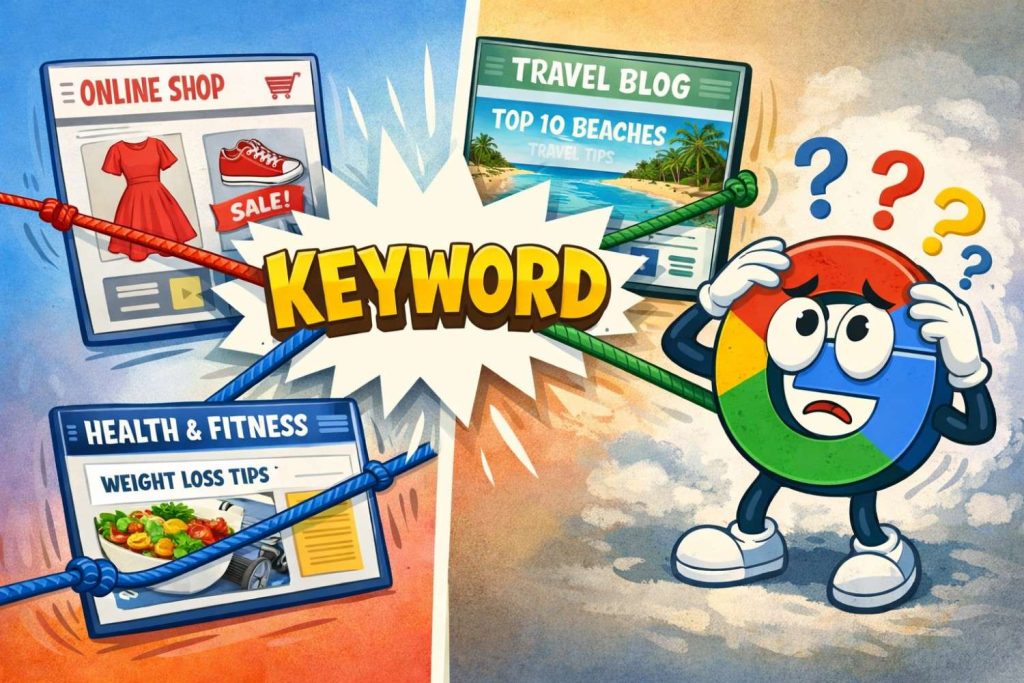
Imagine two employees from your company pitching the same service to the same customer at the same time.
Result?
- Confusion
- No clear winner
- Lost deal
That’s exactly how Google sees cannibalized pages.
Why Keyword Cannibalization Is harmful for SEO?
Many businesses believe: More pages mean more chances to rank. In reality, this belief hurts SEO.
Here’s what actually happens:
1. Google Gets Confused
Google struggles to decide:
-
Which page is more relevant?
-
Which page should rank?
So it keeps switching URLs or pushes all of them down.
2. SEO Authority Gets Split
Backlinks, internal links, content depth – all get divided.
Instead of:
-
One strong authoritative page
You get:
-
Multiple weak pages
When keyword cannibalization spreads relevance across multiple pages, it weakens core SEO authority signals that Google relies on to assess expertise.
3. Rankings Become Unstable
Pages jump up and down the SERPs, creating:
-
False hope
-
Constant frustration
4. Crawl Budget Is Wasted
Google crawls duplicate-like pages instead of:
-
Important service pages
-
Updated content
-
Conversion-focused URLs
5. Traffic Doesn’t Convert
Even when traffic comes, it often lands on:
-
The wrong page
-
An outdated article
-
A blog instead of a service page
Traffic without conversion is wasted SEO effort.
Examples:
1. Service Pages
A website has:
-
SEO Services
-
Professional SEO Services
-
Best SEO Company Services
All targeting: SEO services
Google doesn’t know which one is the main page.
2. Blog Content Overlap
Blogs like:
-
How to Improve Website Ranking?
-
Ways to Improve Google Rankings
-
Tips to Rank Higher on Google
Same intent. Same problem. Same keyword.
3. Location-Based Pages
Location-based pages like:
-
SEO Company in London
-
London SEO Services
-
Best SEO Agency London
Without proper structure, they cannibalize each other.
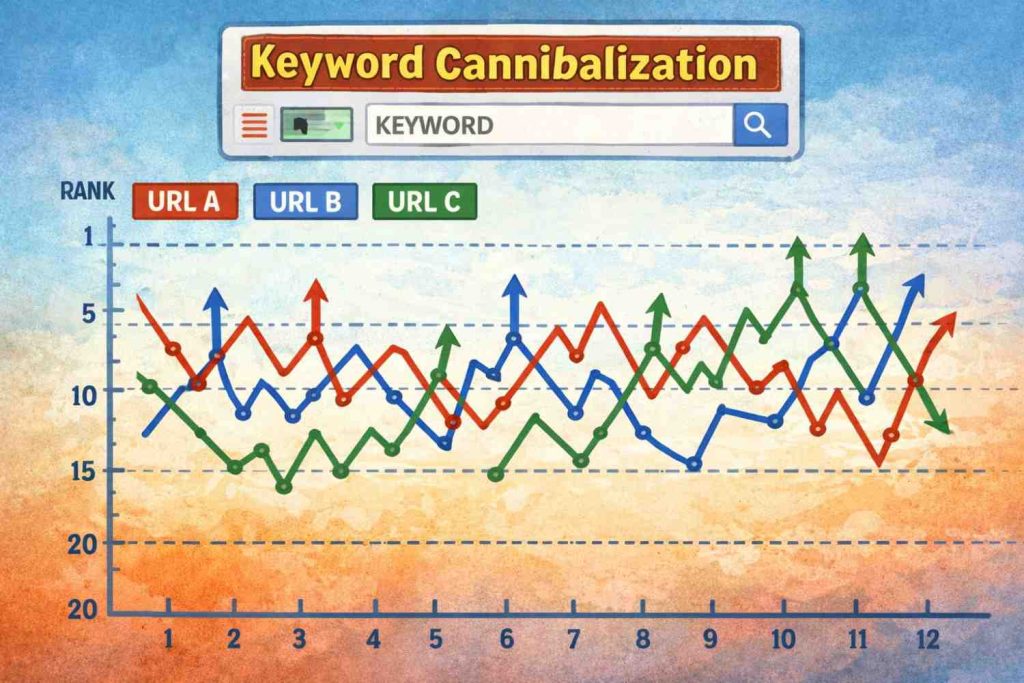
Below is the graph image when Multiple URLs ranking for the same keyword, Rankings get fluctuated up and down.
Result: No page reaching top positions.
Common Problems Businesses Face:
If you’re experiencing any of the following, keyword cannibalization is likely involved:
-
Pages indexed but zero impressions
-
Rankings stuck between positions 20-50
-
Traffic drops after publishing new content
-
Old pages ranking instead of important ones
-
High content output but no SEO growth
-
Multiple URLs appearing for the same query in Search Console
Many businesses blame:
-
Google algorithm updates
-
Competition
-
Content quality
But the real issue is internal competition within their own website.
Why Keyword Cannibalization Happens
1. No Keyword Mapping Strategy
Publishing content without assigning:
-
One primary keyword to one main page
2. Repeating the Same Topics
Creating new blogs instead of:
-
Updating
-
Expanding
-
Strengthening existing pages
3. Poor Website Structure
No clear:
-
Pillar pages
-
Supporting articles
-
Internal linking hierarchy
4. Over-Optimization
Trying to rank every page for the same high-volume keyword.
This always backfires.
How to Fix Keyword Cannibalization (Correct Method)
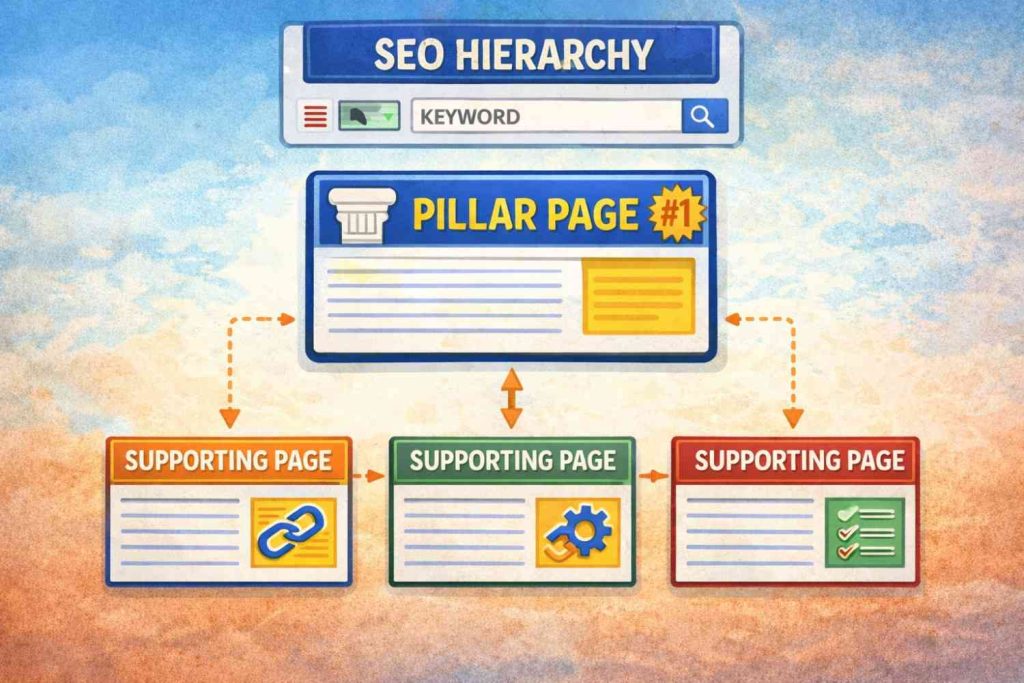
Below image display the image of clear SEO hierarchy – One main “pillar” page ranking with other supporting pages linking to it
1. Select One Primary Page per Keyword
Search engines can better understand page priority when keyword overlap is resolved through content consolidation.
Decide which page:
-
Best satisfies user intent
-
Deserves to rank
- Gain real ranking visibility.
2. Merge Similar Content
Combine overlapping pages into:
-
One strong, authoritative resource
Redirect weaker pages if needed.
3. Update Instead of Creating New Pages
Improve existing content by:
-
Adding depth
-
Updating examples
-
Improving clarity
4. Fix Internal Linking
Ensure that :
-
Main keywords link to the primary page
-
Supporting pages link upward
5. Separate Search Intent
If multiple pages must exist, ensure each serves a different intent:
-
Informational
-
Commercial
-
Transactional
It helps indexed pages
Refer to this link for more details on – How to identify and fix Keyword Cannibalization
Conclusion
Keyword cannibalization doesn’t break your website. It quietly breaks your rankings
If your SEO feels like:
-
It should work but doesn’t
-
It grows content but not traffic
-
It puts in effort without reward
Then this issue is not theoretical — it’s personal.
Fixing keyword cannibalization:
-
Clarifies signals for Google
-
Builds real authority
-
Stabilizes rankings
-
Improves conversions
SEO success comes when each page has a clear role. Stop making your pages fight each other. Make them work together.